
Links card
The links card shows the pages a show_links call offers, each with a title and a one-line gist. A click opens the page through the provider’s navigate.
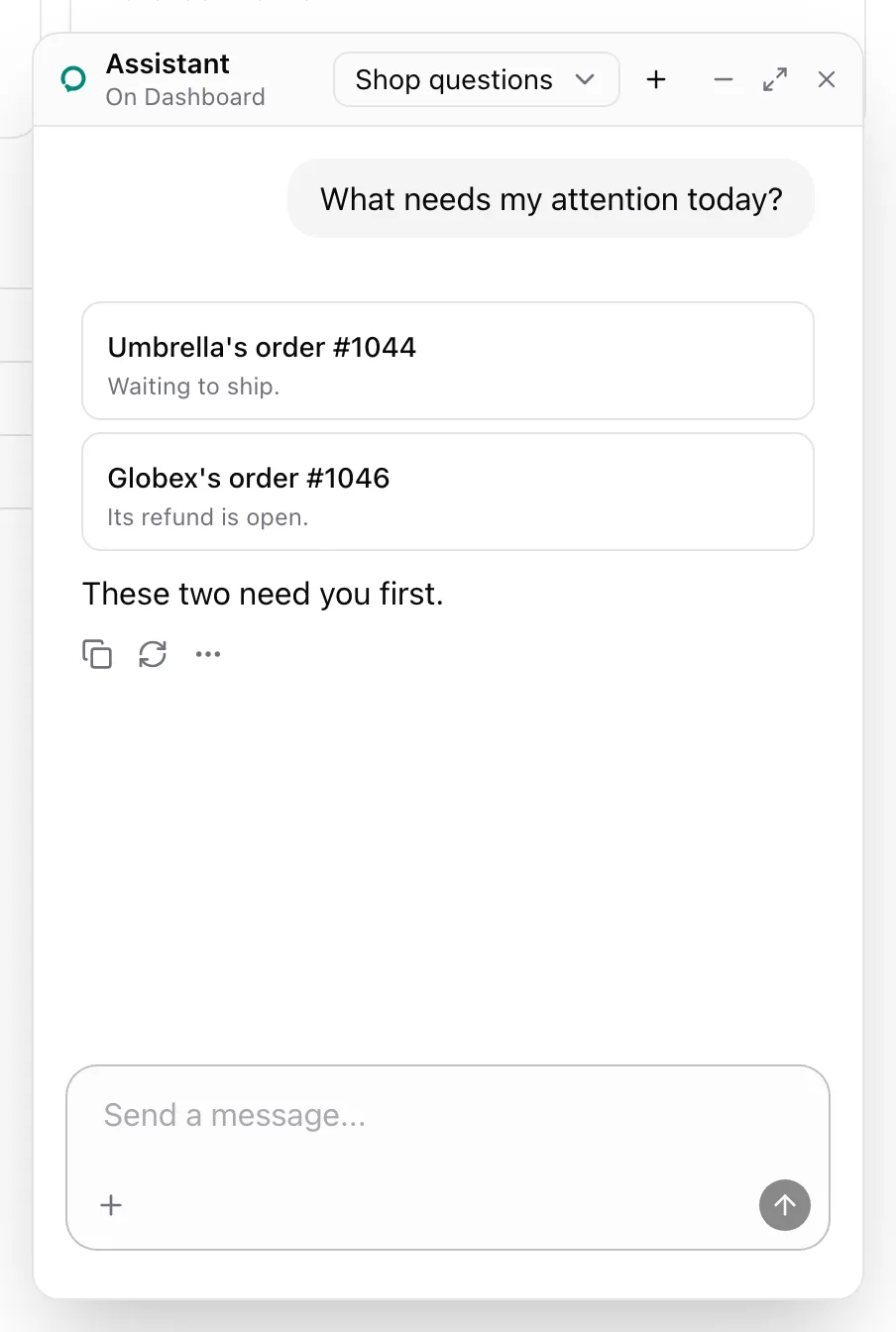
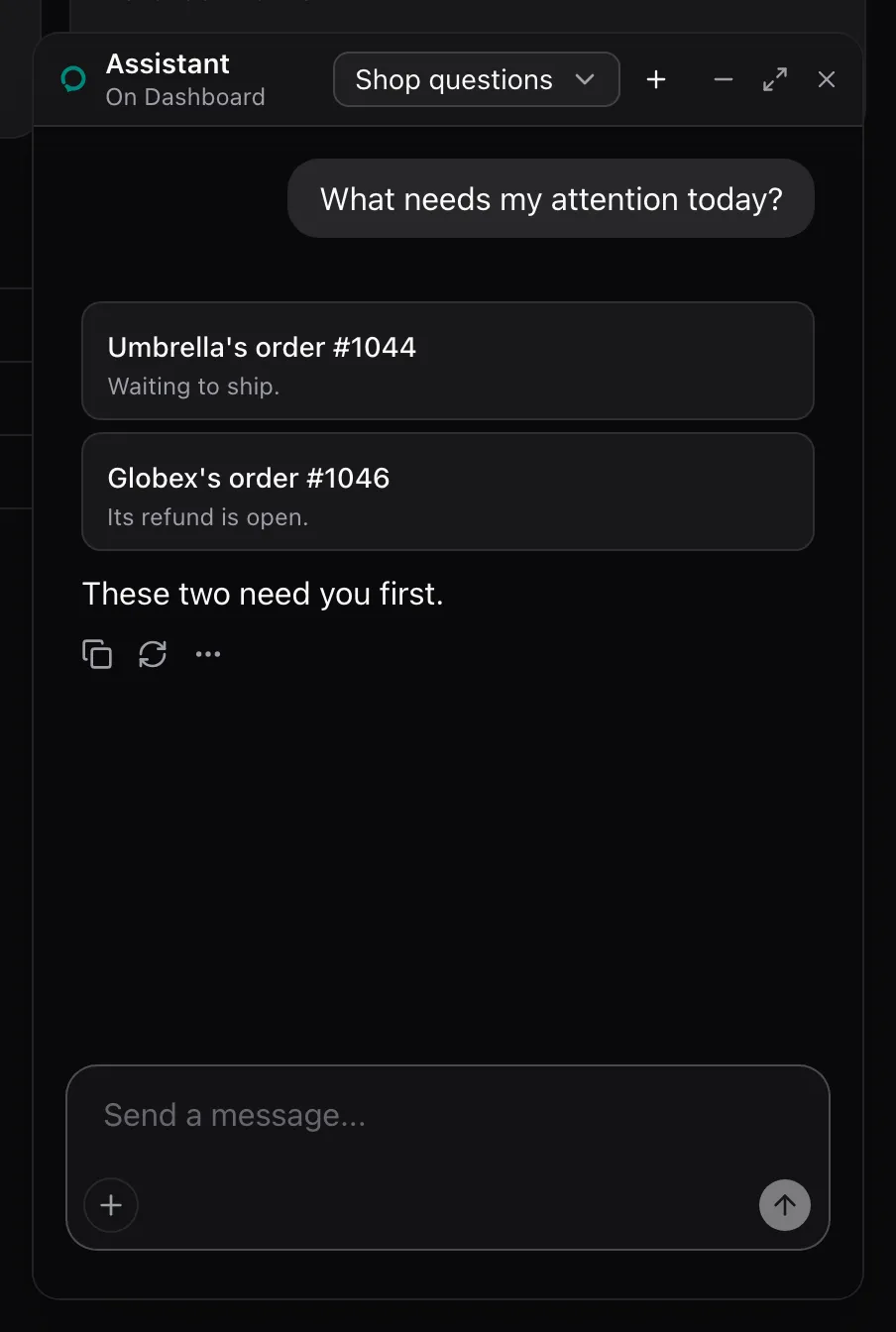
AssistedProvider lends show_links when it has destinations and navigate, as on the AssistedProvider page. Add the cards’ styles to your global CSS:
npx shadcn@latest add https://super-assist.dogar.biz/r/assisted-cards.jsonWhat the model sees
Section titled “What the model sees”show_links is described as:
Show the user links to pages of the app, the pages go_to_page opens, each with a title and a one-line gist. A click opens the page.It takes items, one or more of { to, id?, title, gist? }, where to is a destination’s name and id fills its :id. The call in the screenshot answered:
Showed the user links to Umbrella's order #1044, Globex's order #1046.An unknown page or a missing id answers with an error, and the card stays hidden.
None. The package renders the card in place of the show_links call. Style it through [data-assisted-links]: the registry reference lists the rules and Model context the card’s DOM.
See also
Section titled “See also”- Add
go_to_pagesets the destinations both tools use.