
AssistedDevtools
AssistedDevtools lends nothing. It mounts assistant-ui’s devtools with an Assisted pages tab that shows what the open page lends, as the next turn will send it.
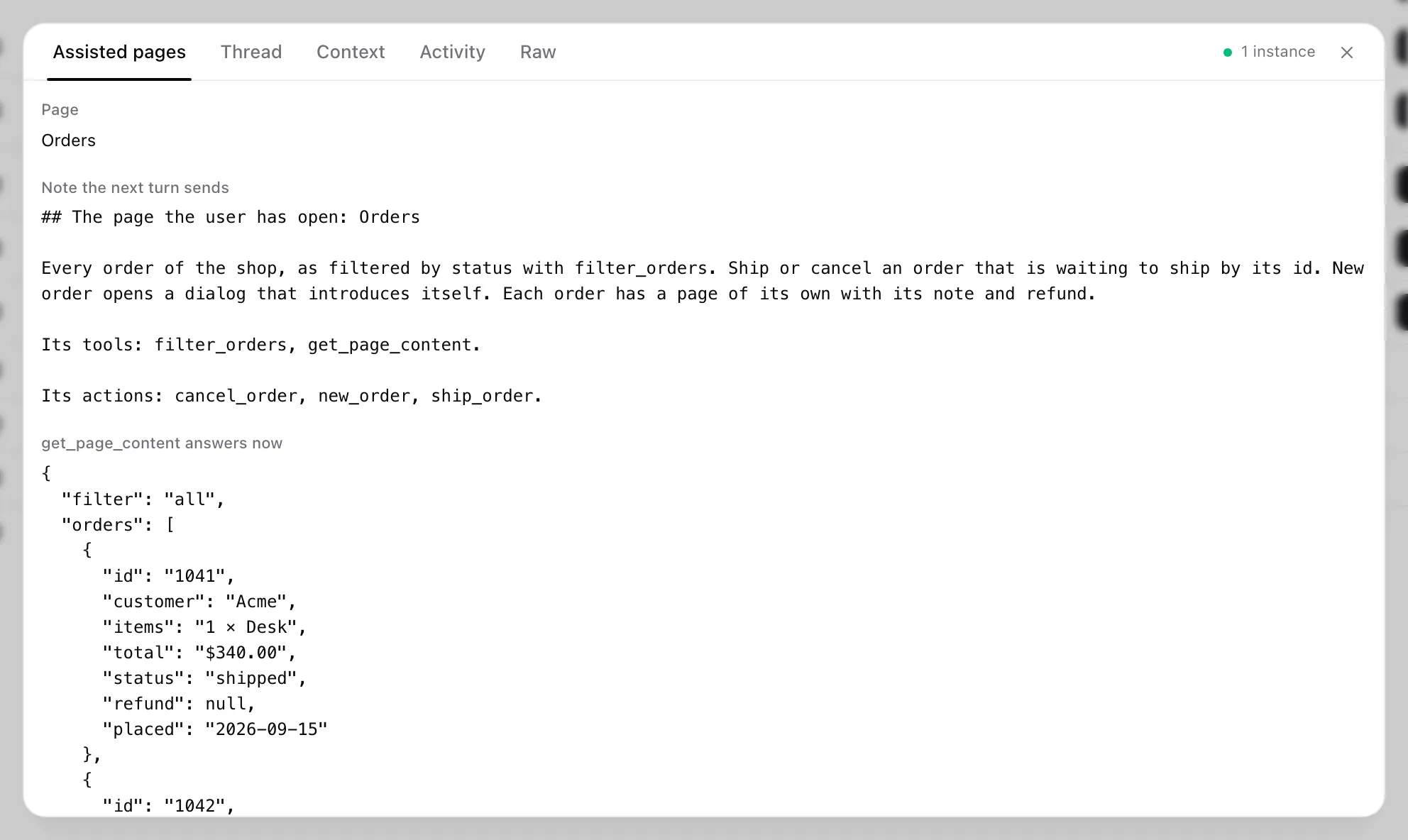
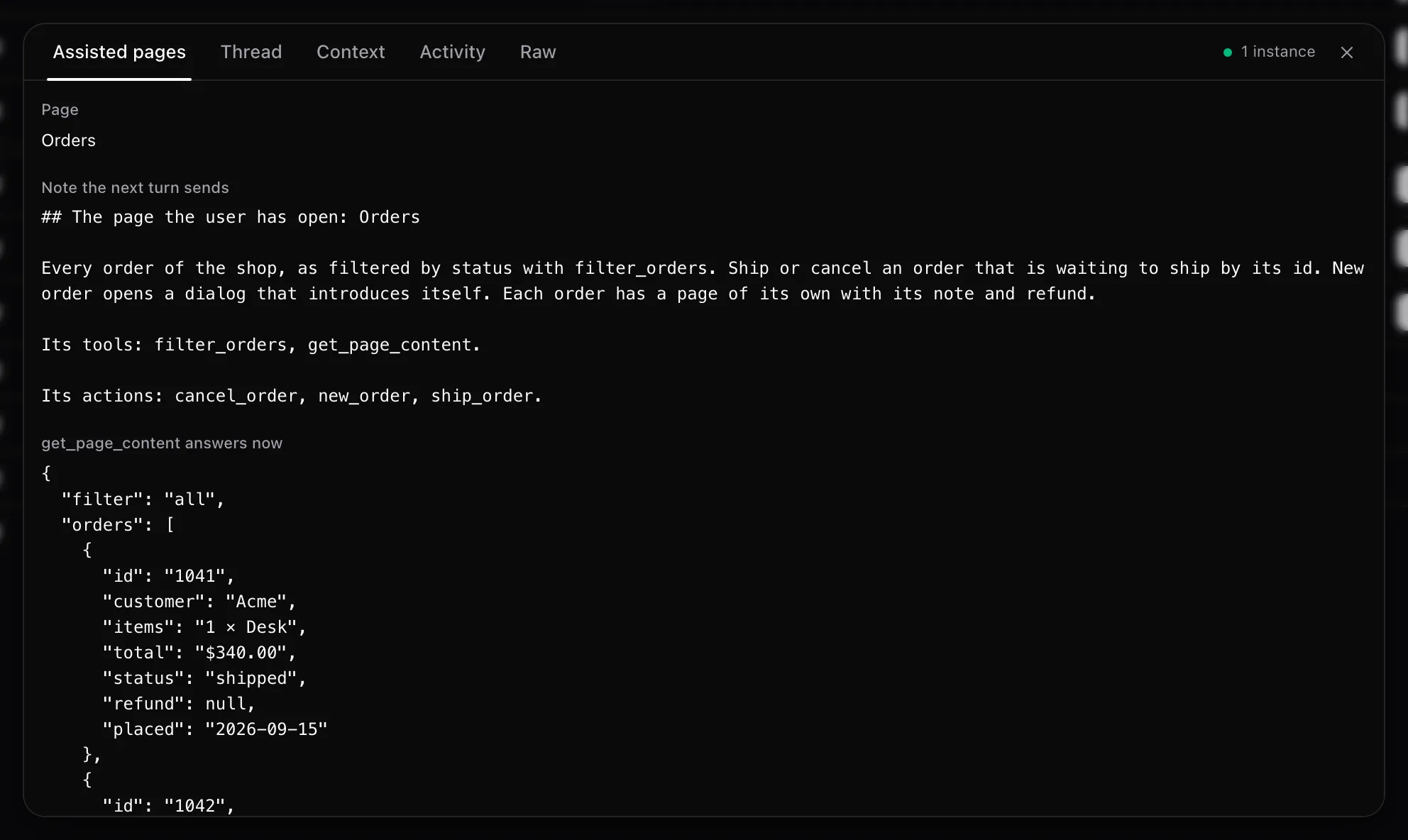
Import it from the devtools entry and render it inside AssistedProvider. From examples/app/app/assistant.tsx:
import { AssistedDevtools } from "@super-assist/react/devtools";<AssistedProvider runtime={runtime} destinations={destinations} navigate={(path) => router.push(withMode(path))}> <Layout>{children}</Layout> <AssistedDevtools /></AssistedProvider>The launcher sits in the bottom-right corner in development. DevToolsModal renders nothing in production builds.
What the model sees
Section titled “What the model sees”Nothing from the devtools. The tab shows what the other components lend: the open page’s note under Note the next turn sends, what get_page_content answers now, and every lent tool with its description. It re-reads every second.
States
Section titled “States”Actions and fields
Section titled “Actions and fields”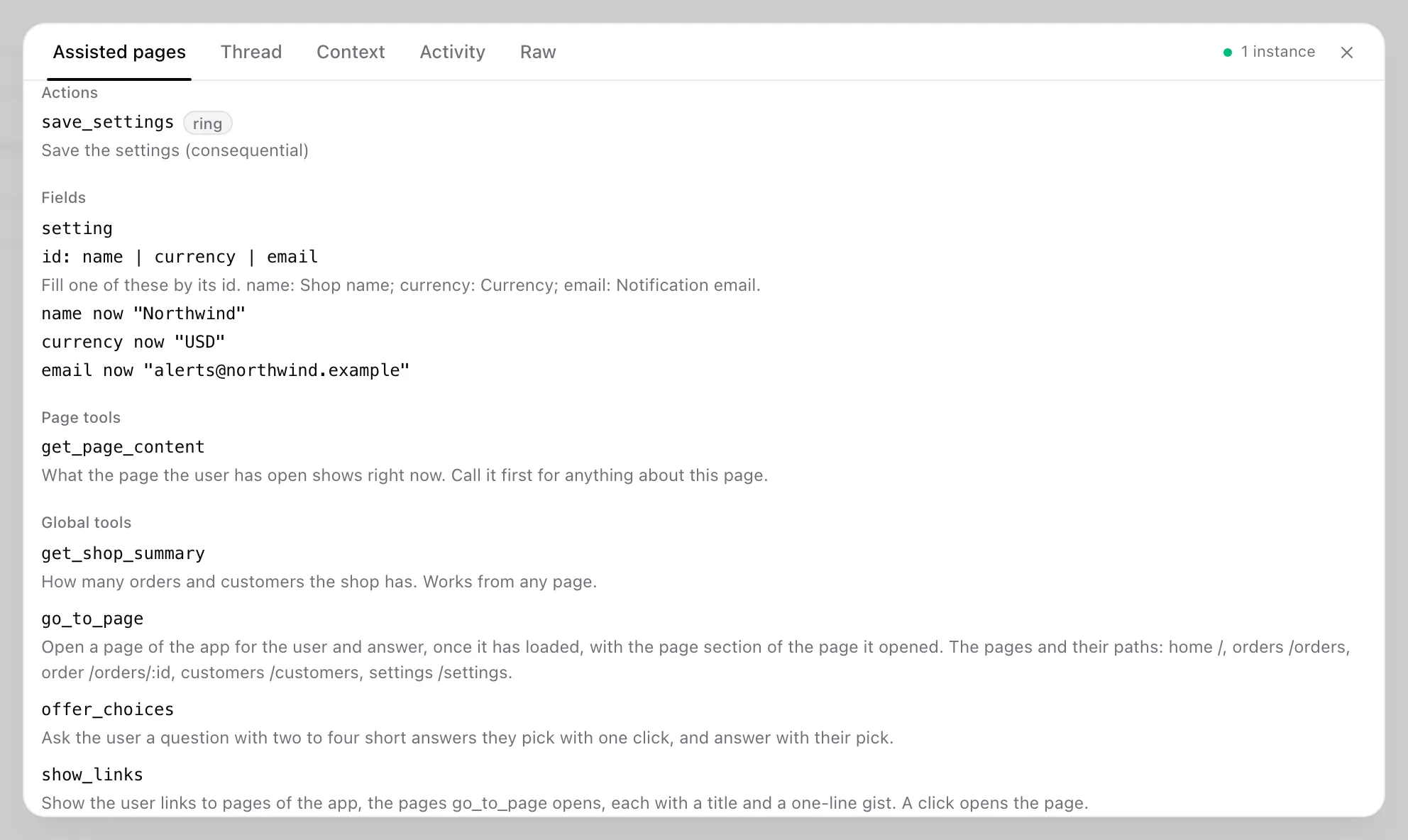
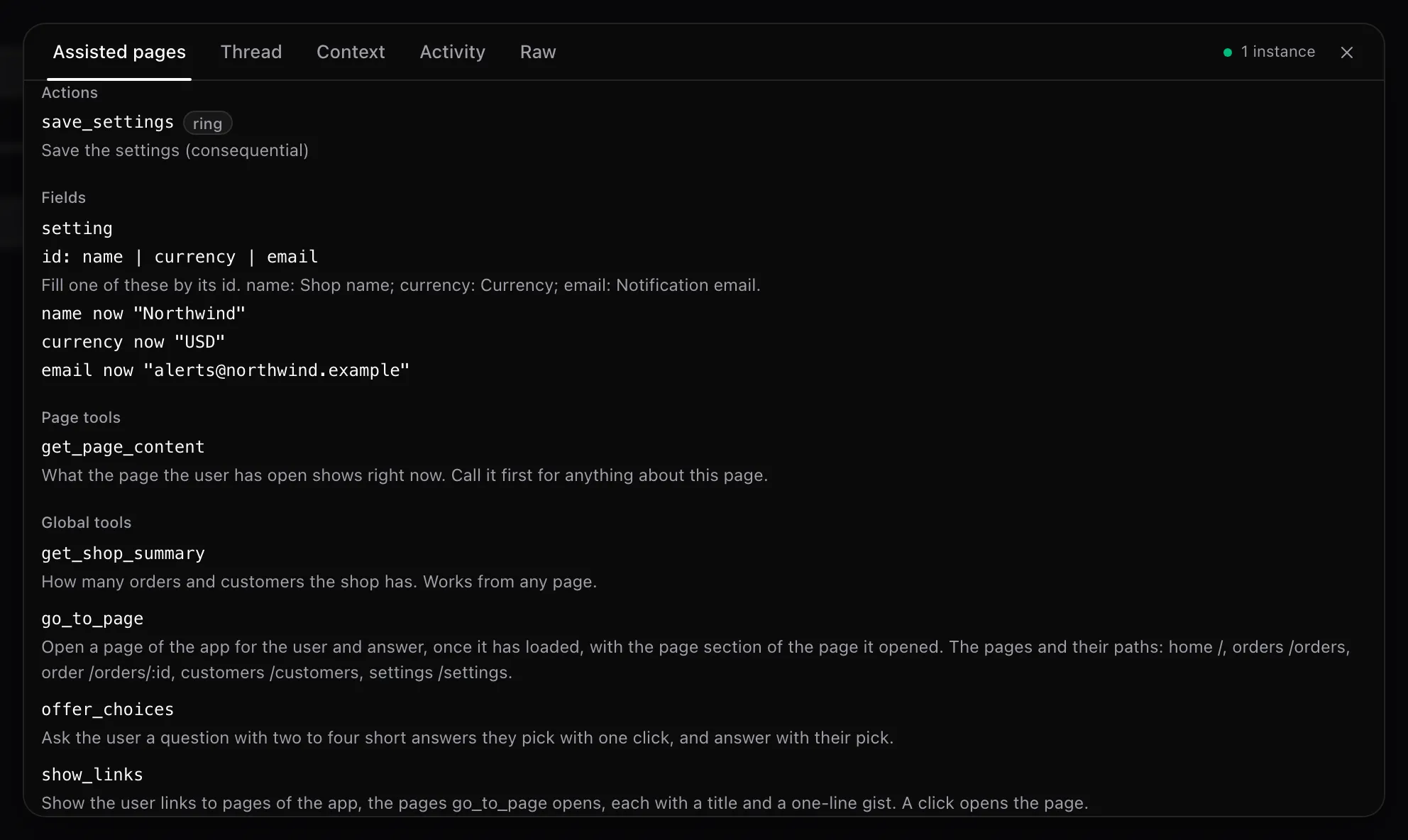
On Settings, save_settings carries a ring chip read from its marker, and the setting field tool lists its ids and what each field says now. The devtools reference lists every section of the tab.
None. To add the tab to a DevToolsModal of your own, pass assistedPagesPlugin from the same entry, as the devtools reference describes.