
AssistedPage
AssistedPage lends a page’s note, its name and instructions in every request, and get_page_content, which answers with what the page shows when the assistant asks.
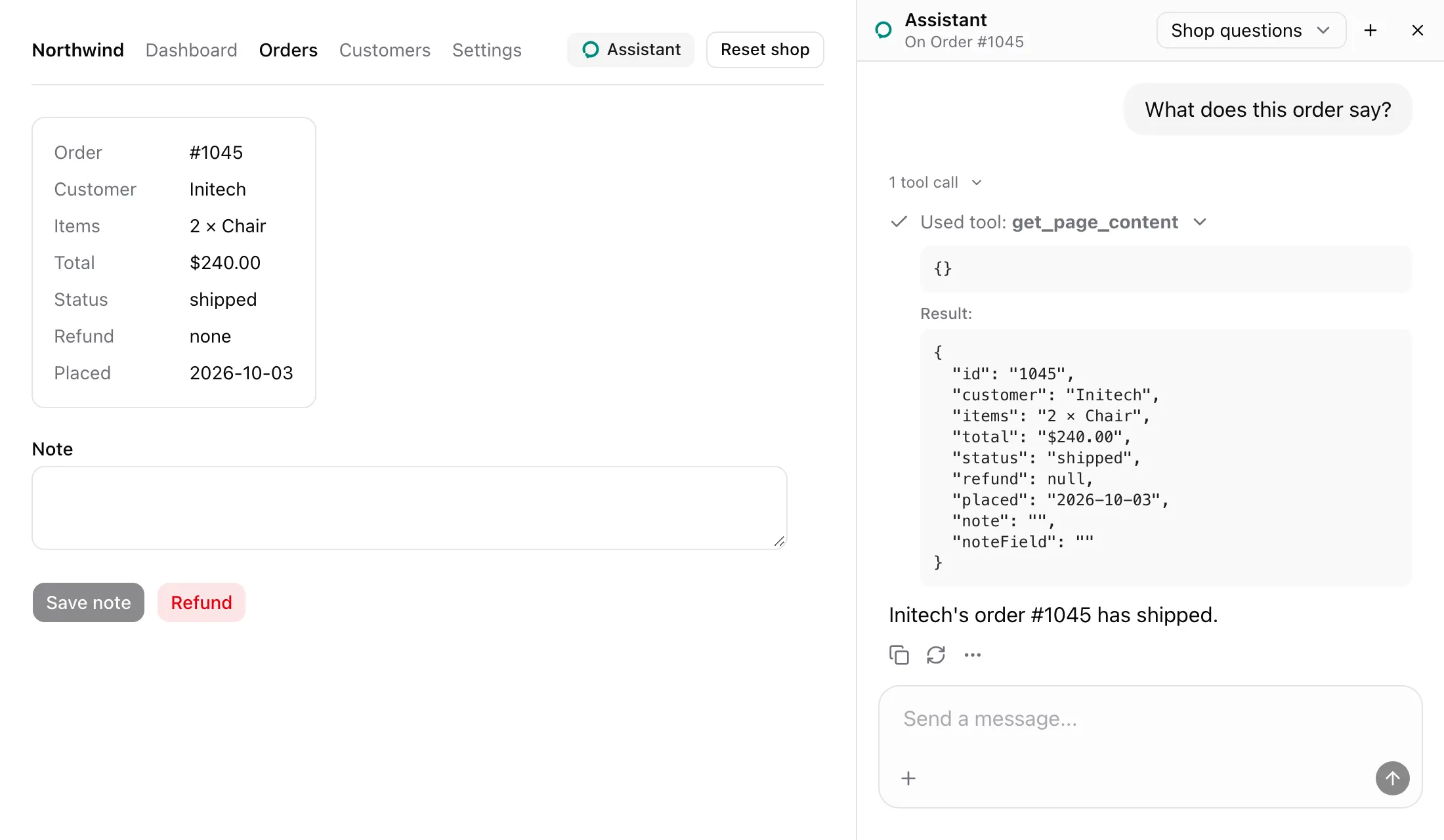
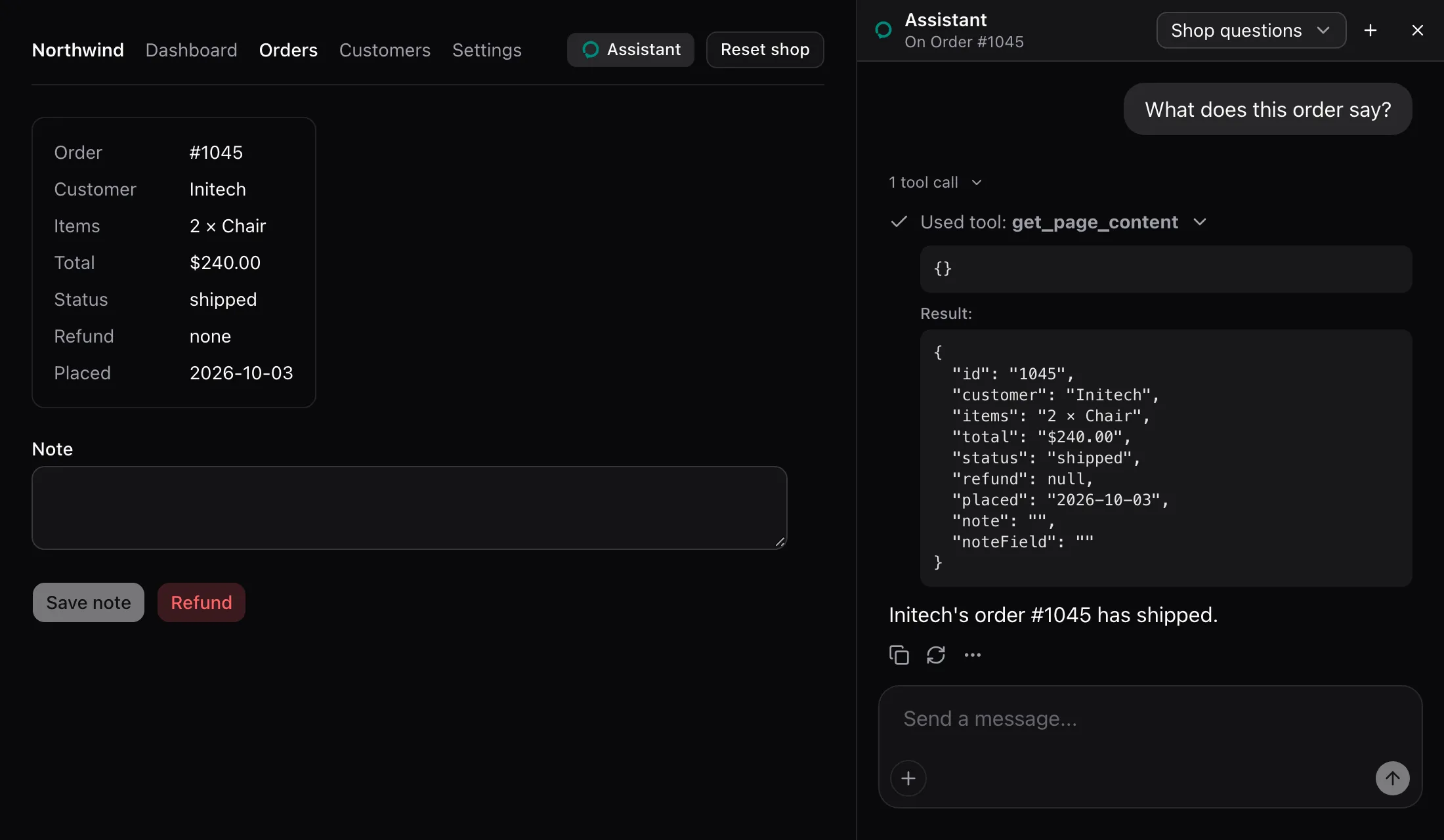
Wrap the page’s content. From examples/app/app/orders/[id]/page.tsx:
<AssistedPage name={`Order #${id}`} instructions="One order: its customer, items, total, status, refund and note. note fills the note field without saving it, and save_note saves what the field holds." content={() => (row ? { ...row, note: order!.note, noteField: draft } : `No order #${id}.`)}> {order && row ? ( <OrderDetails order={order} row={row} draft={draft} setDraft={setDraft} /> ) : ( <p className="text-sm text-muted-foreground">No order #{id}.</p> )}</AssistedPage>What the model sees
Section titled “What the model sees”The open page’s note, read when a message is sent. Order #1045’s:
## The page the user has open: Order #1045
One order: its customer, items, total, status, refund and note. note fills the note field without saving it, and save_note saves what the field holds.
Its tools: get_page_content.
Its actions: refund_order, save_note.
Its fields: note: The order's note, now "".
The note never holds the content. get_page_content is described as:
What the page the user has open shows right now. Call it first for anything about this page.It answers with content as it is at the call, as the screenshot shows.
States
Section titled “States”A dialog over the page
Section titled “A dialog over the page”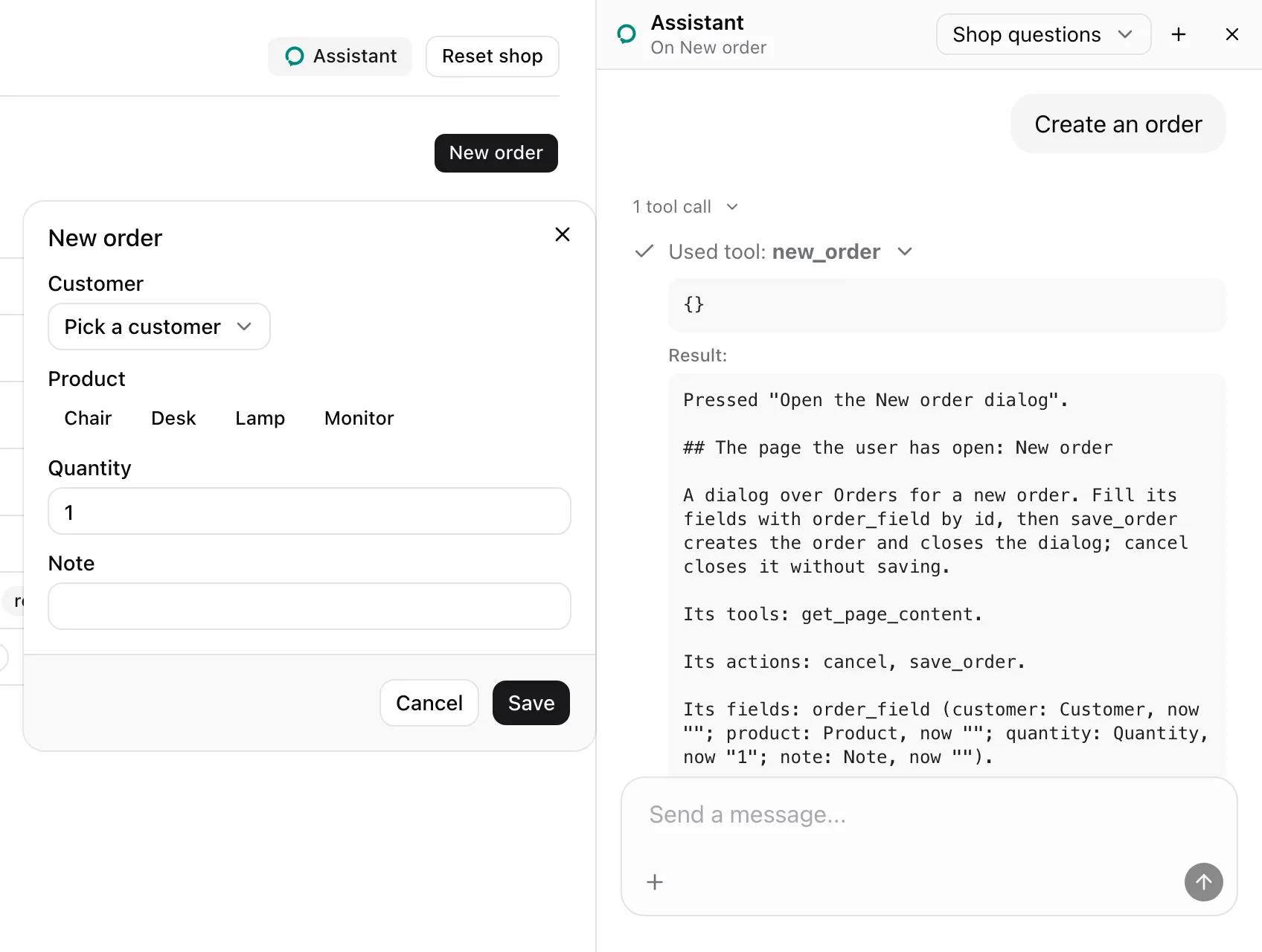
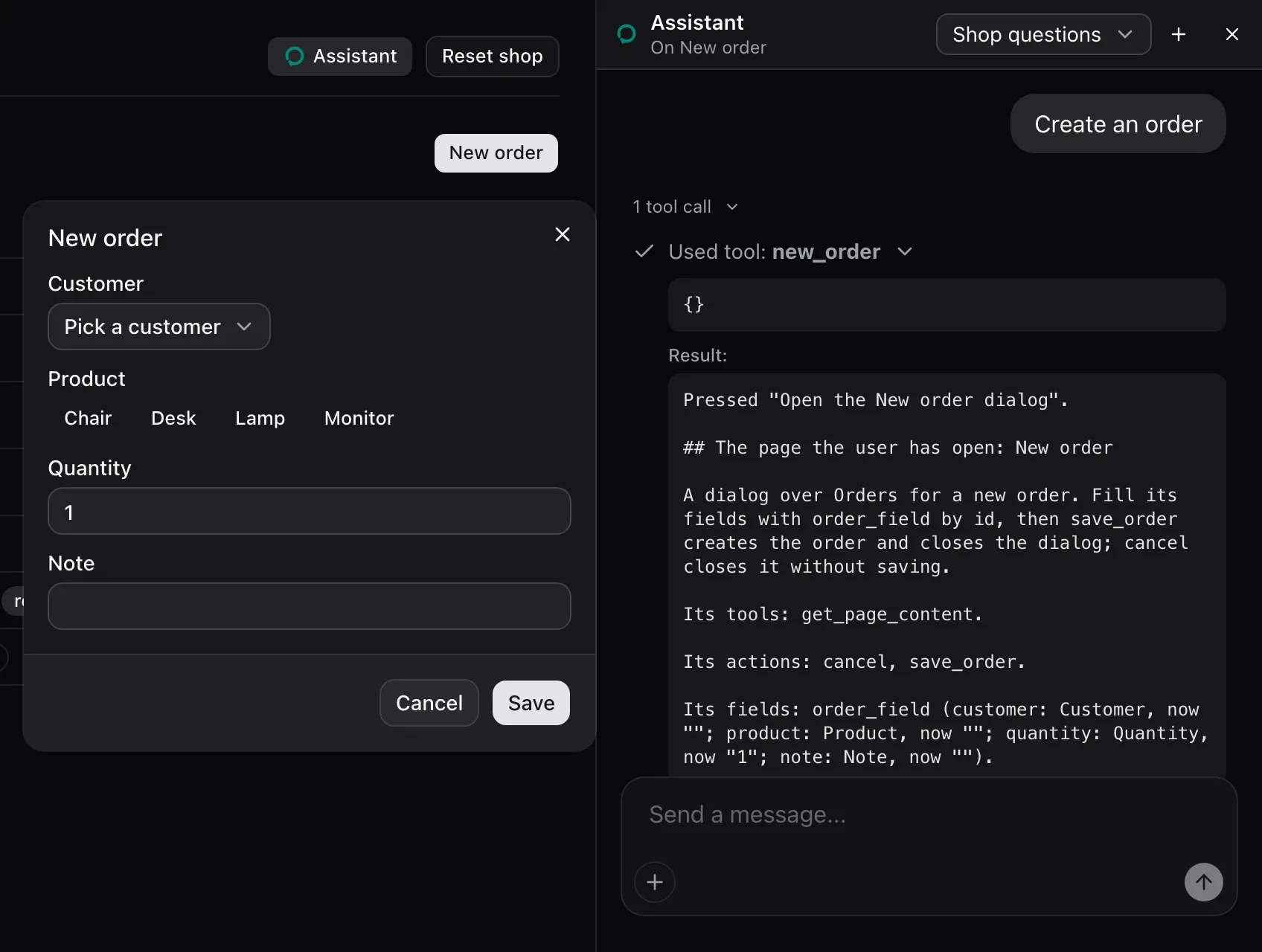
The New order dialog is an AssistedPage of its own. Mounted last, it is the page the user has open: the header reads On New order, and pressing new_order answered with the dialog’s note.
Pressed "Open the New order dialog".
## The page the user has open: New order
A dialog over Orders for a new order. Fill its fields with order_field by id, then save_order creates the order and closes the dialog; cancel closes it without saving.
Its tools: get_page_content.
Its actions: cancel, save_order.
Its fields: order_field (customer: Customer, now ""; product: Product, now ""; quantity: Quantity, now "1"; note: Note, now "").
When the dialog closes, Orders is the open page again.
| Prop | Type | Required | Description |
|---|---|---|---|
name |
string | (() => string) |
Yes | The page’s name. |
instructions |
string | (() => string) |
Yes | How to work on the page. |
content |
unknown | (() => unknown) |
No | What the page shows. Read when get_page_content is called. |
children |
ReactNode |
No | The page. Tools, actions and fields under it belong to it. |
- The page the user has open is the last mounted
AssistedPage, ordered by first render. - Only the open page lends its note and
get_page_content. The note is read at send time. get_page_contentis lent only whencontentis given.- A function prop is read each time it is needed, so it sees current state.
useAssistedToolcalls under the page are its tools.AssistedActionelements under it are its actions.AssistedInputandAssistedFieldelements under it are its fields. All leave when it unmounts.- A page under the open one keeps its tools, actions and fields lent, but no note names them.
See also
Section titled “See also”- Make a page assisted, dialogs included.
- Why content is read on demand.
- Model context gives the note’s template.