
useAssistedTool
useAssistedTool lends a tool that runs in the browser: a page’s tool under an AssistedPage, listed in its note and gone with it, or a global tool anywhere else.
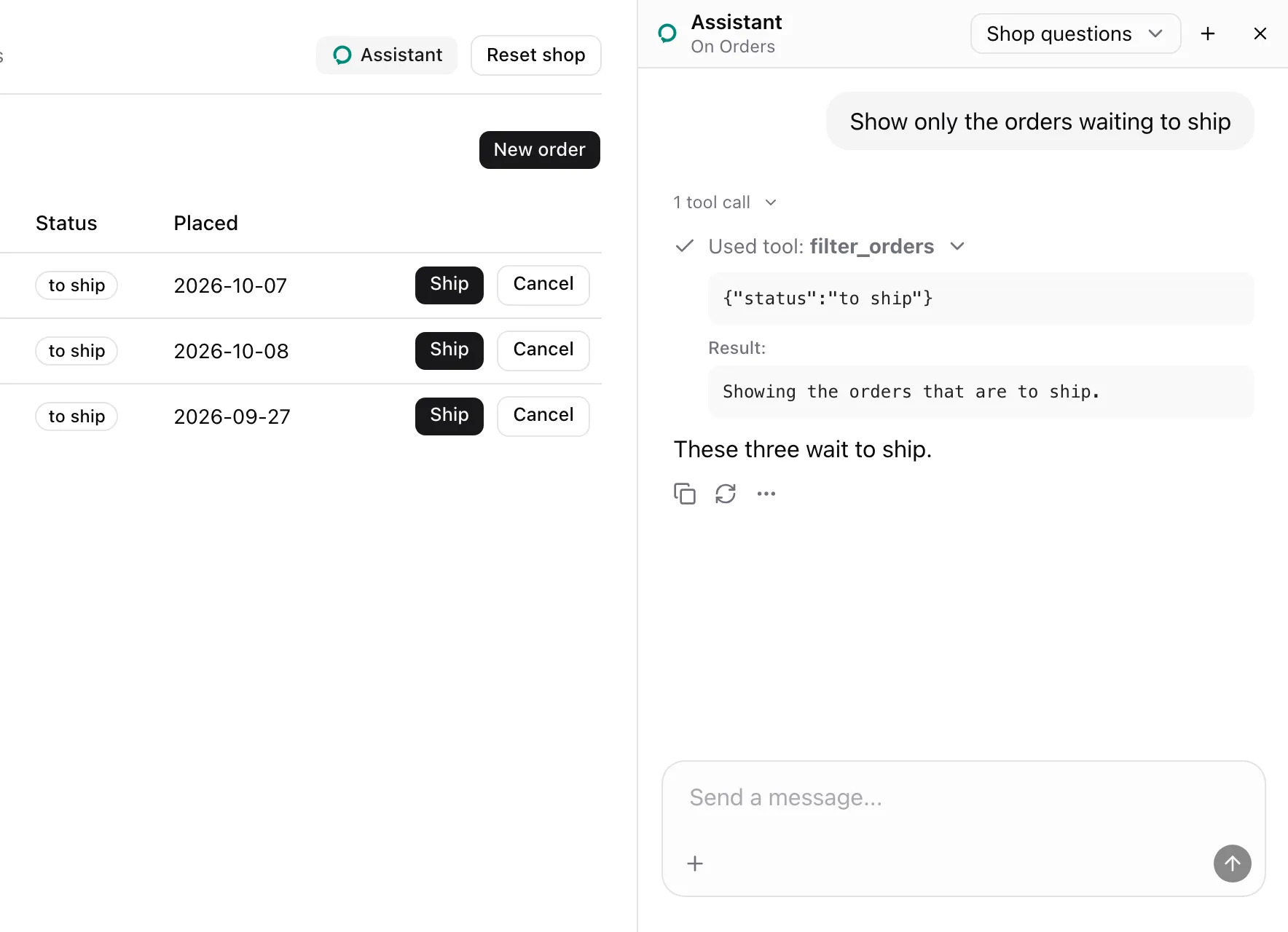
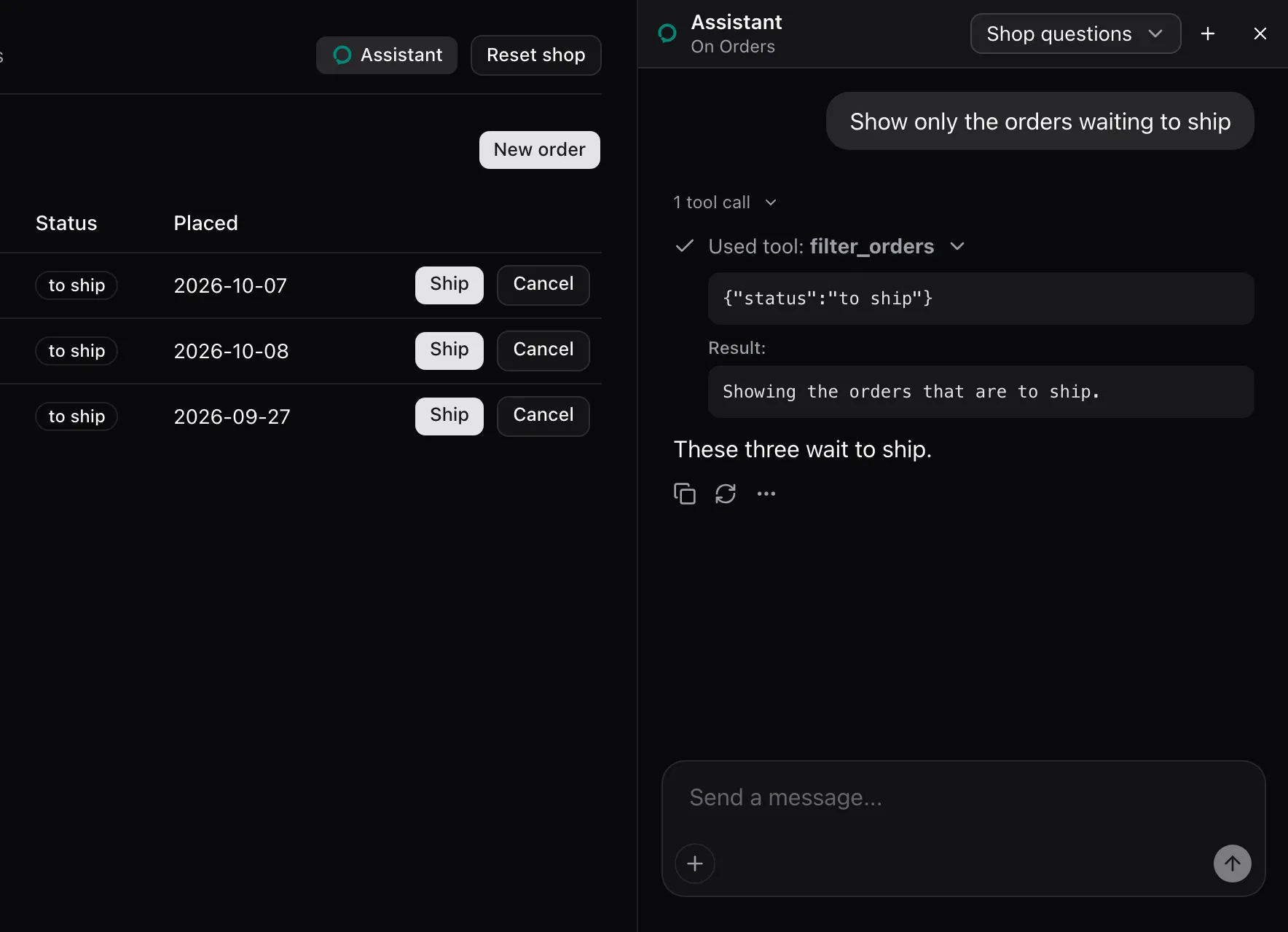
Call it in a component under the page. From examples/app/app/orders/page.tsx:
useAssistedTool("filter_orders", { description: "Show only the orders with one status, or all of them.", parameters: { type: "object", properties: { status: { type: "string", enum: filters } }, required: ["status"], }, execute: ({ status }: { status: Filter }) => { setFilter(status); return `Showing ${status === "all" ? "all orders" : `the orders that are ${status}`}.`; },});What the model sees
Section titled “What the model sees”The tool’s description and its parameters’ JSON Schema, here status, one of all, to ship, shipped and cancelled. As a page’s tool it is named in the Orders note:
Its tools: filter_orders, get_page_content.The call in the screenshot answered with what execute returned:
Showing the orders that are to ship.States
Section titled “States”A global tool
Section titled “A global tool”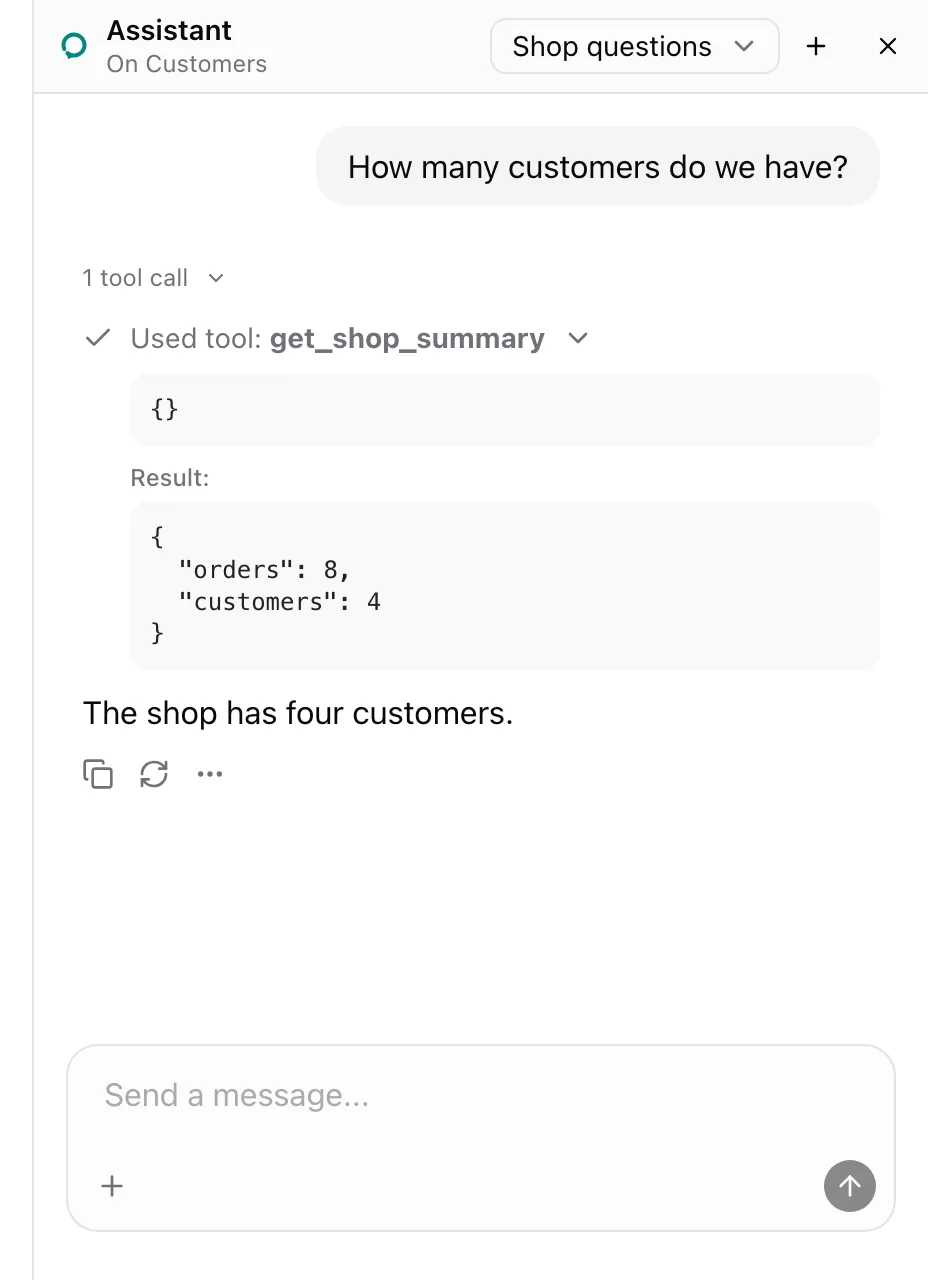
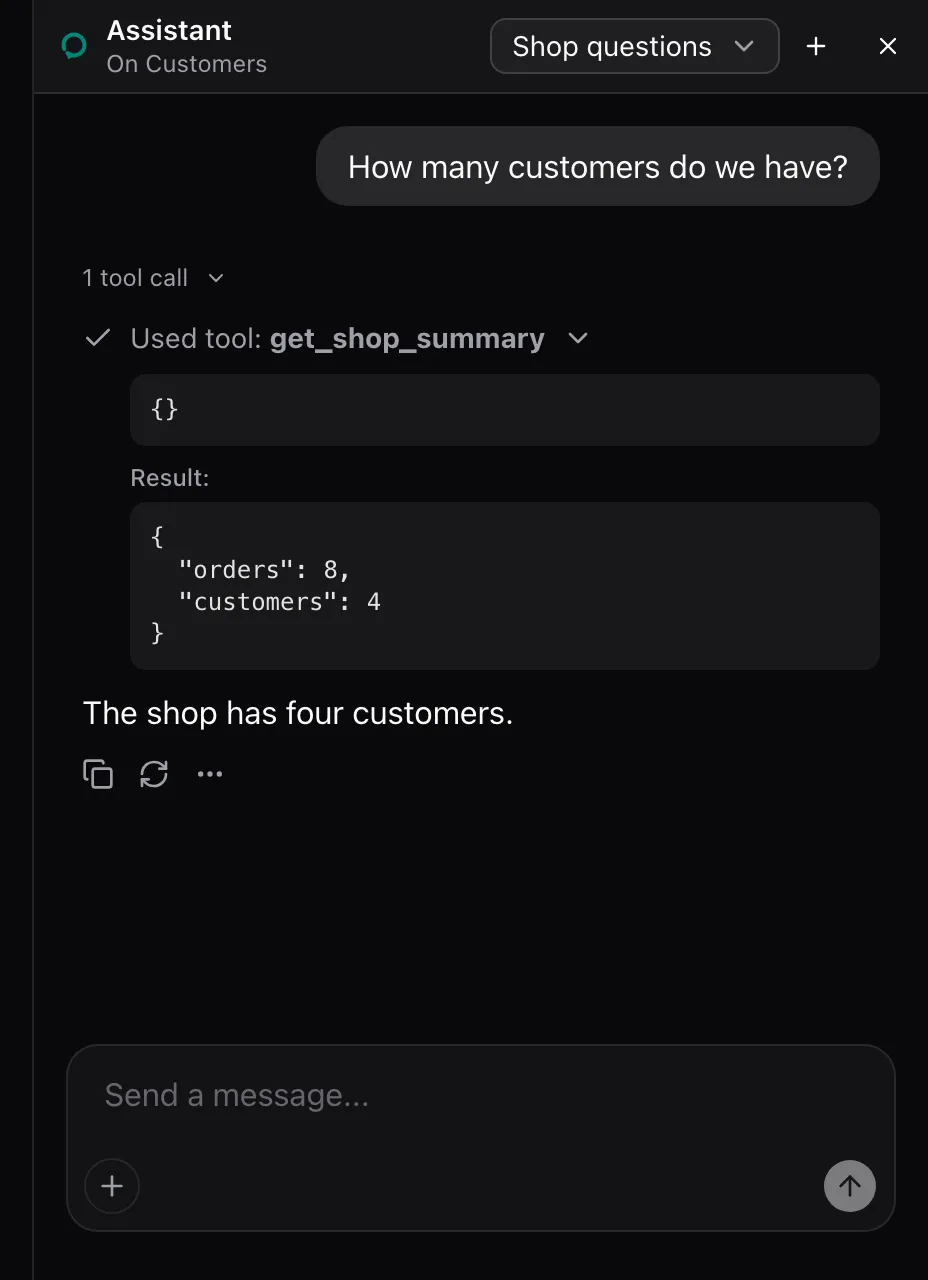
The example’s shell lends get_shop_summary outside every AssistedPage, so it works from any page and no note names it. From examples/app/app/shell.tsx:
useAssistedTool("get_shop_summary", { description: "How many orders and customers the shop has. Works from any page.", parameters: { type: "object", properties: {} }, execute: () => ({ orders: shop.orders.length, customers: shop.customers.length }),});It answered on Customers with { "orders": 8, "customers": 4 }.
Signature
Section titled “Signature”useAssistedTool<TArgs extends Record<string, unknown>, TResult>( name: string, tool: AssistedTool<TArgs, TResult>,): voidAssistedTool field |
Type | Required | Description |
|---|---|---|---|
description |
string |
Yes | What the tool does, for the model. |
parameters |
JSON Schema object or Standard Schema | Yes | The arguments. A Standard Schema such as zod types execute’s arguments. |
execute |
(args, context) => TResult | Promise<TResult> |
Yes | Runs the call. context is assistant-ui’s tool execution context. |
render |
ToolCallMessagePartComponent |
No | Tool UI for the call in the thread. Pass a stable component. |
consequential |
boolean |
No | true asks in the panel before execute runs. |
- Under an
AssistedPage, the tool belongs to the page and the note lists it. Elsewhere it is global and no note lists it. - The tool is lent on mount and leaves on unmount. It is lent again when
descriptionor the parameters’ JSON Schema changes. executealways runs the latest closure.- A throw answers
{ error: "<name> failed: <message>" }. - Arguments the schema rejects answer
{ error: "<name> got arguments its parameters reject: <issues>" }. - With
consequential, the description gains(asks first). The panel’s card shows the description. A denial answers with the decline text andexecutedoes not run. - With
consequentialand norender, the library’s Confirm card renders the call outside the tool group. Arenderof your own replaces it and must answer the pause withresume({ approved: boolean }).
AssistedToolFailure is { error: string }.