
AssistedPanel
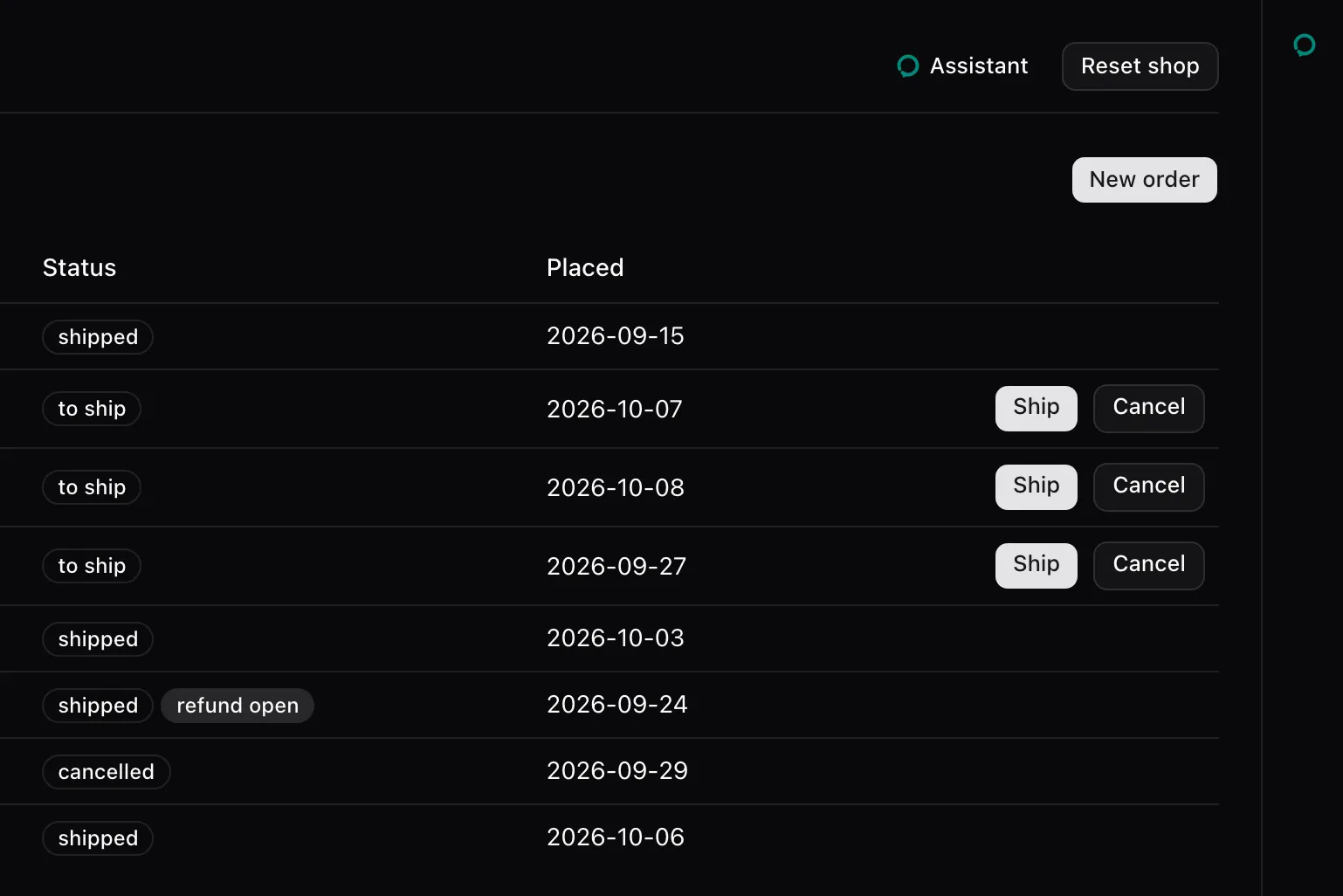
AssistedPanel shows the assistant’s conversation beside the page: a floating window, a sheet that takes its space from the page, or the bare thread embedded where the host places it.
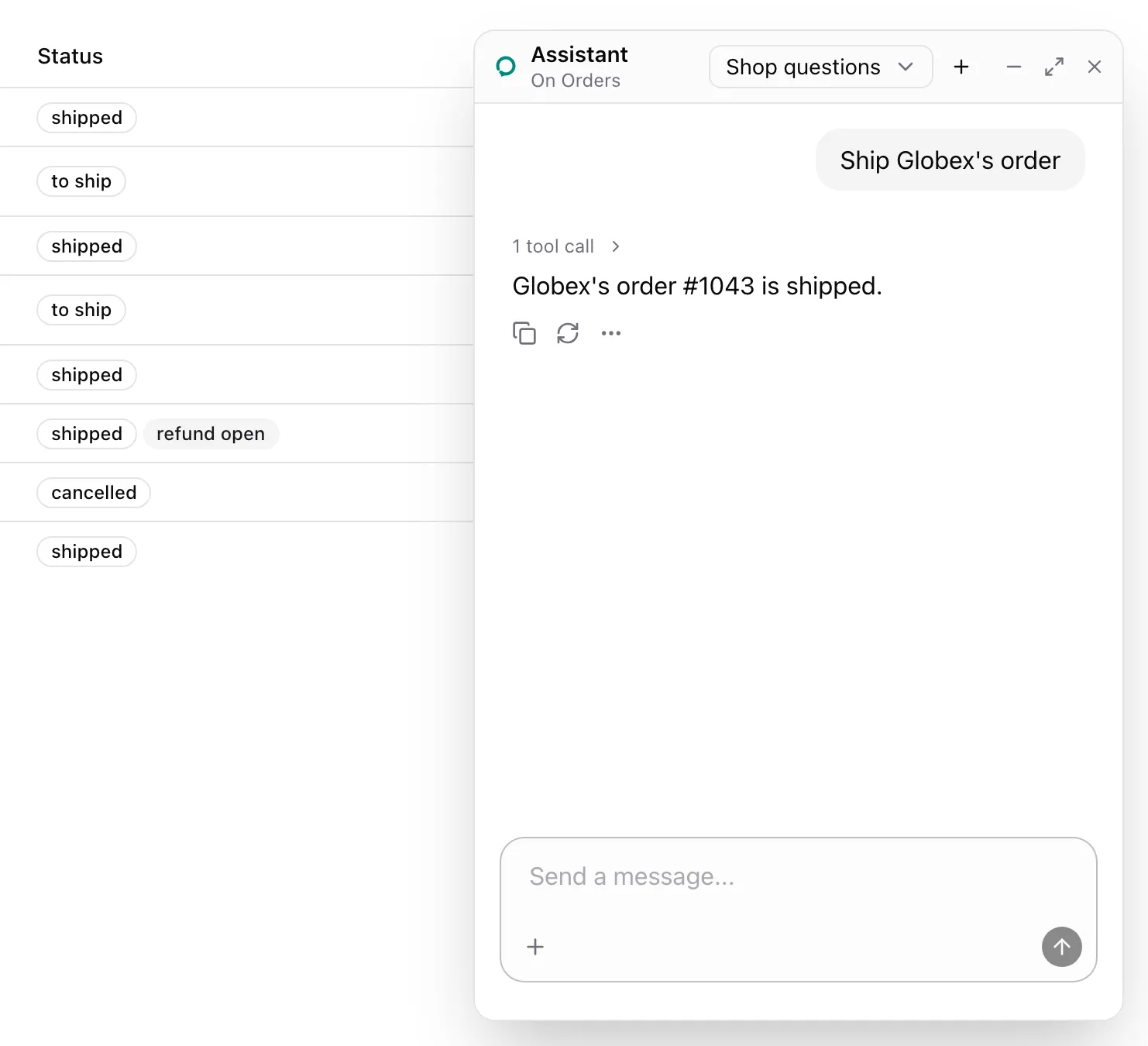
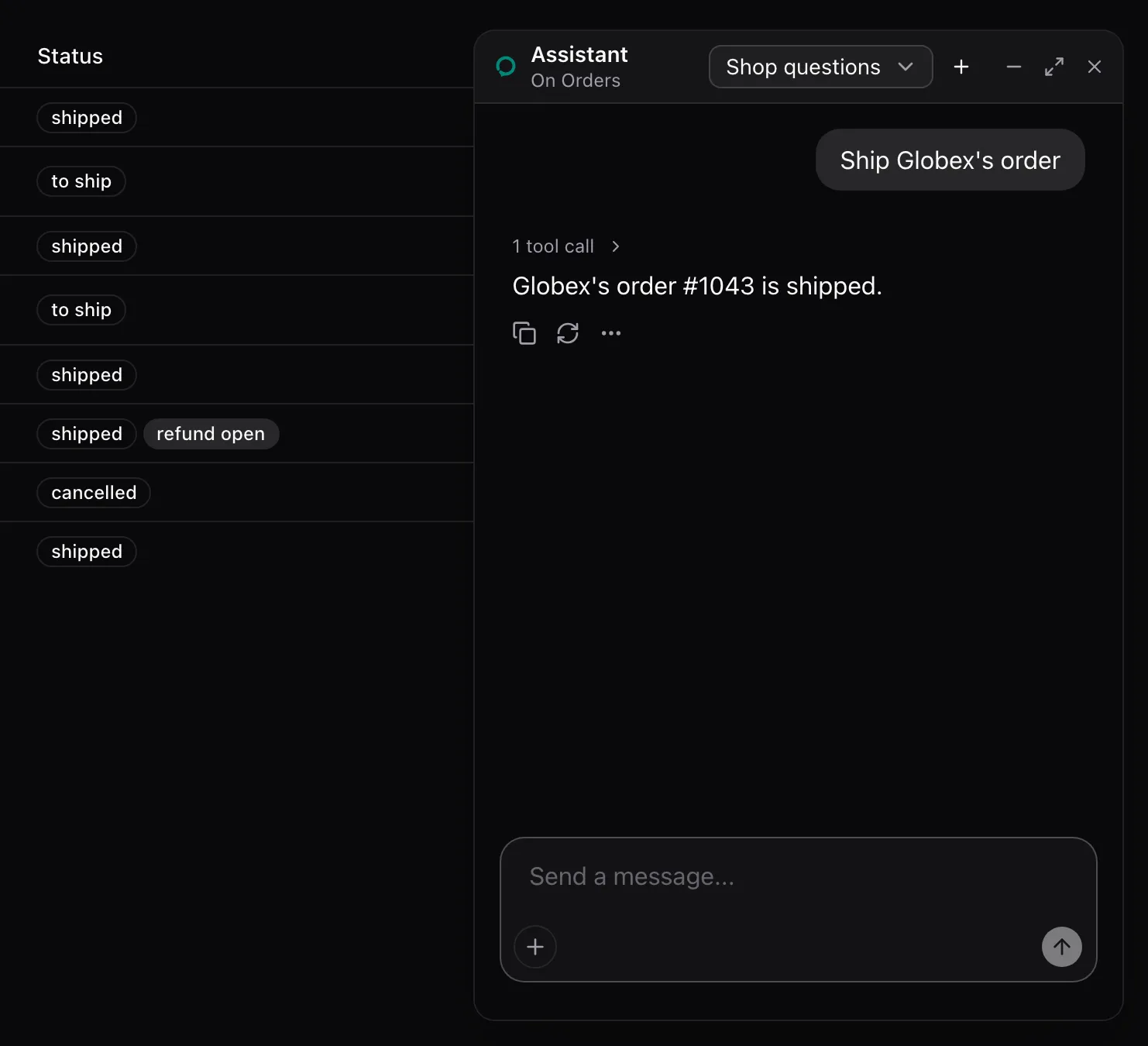
Install it from the registry and render it inside AssistedProvider with a mode. From examples/app/app/assistant.tsx:
<AssistedPanel mode="floating" threads description={description} />What the model sees
Section titled “What the model sees”Nothing from the panel. It renders the runtime’s thread, with the cards inside it, and its header reads the open page’s name from useAssisted().
States
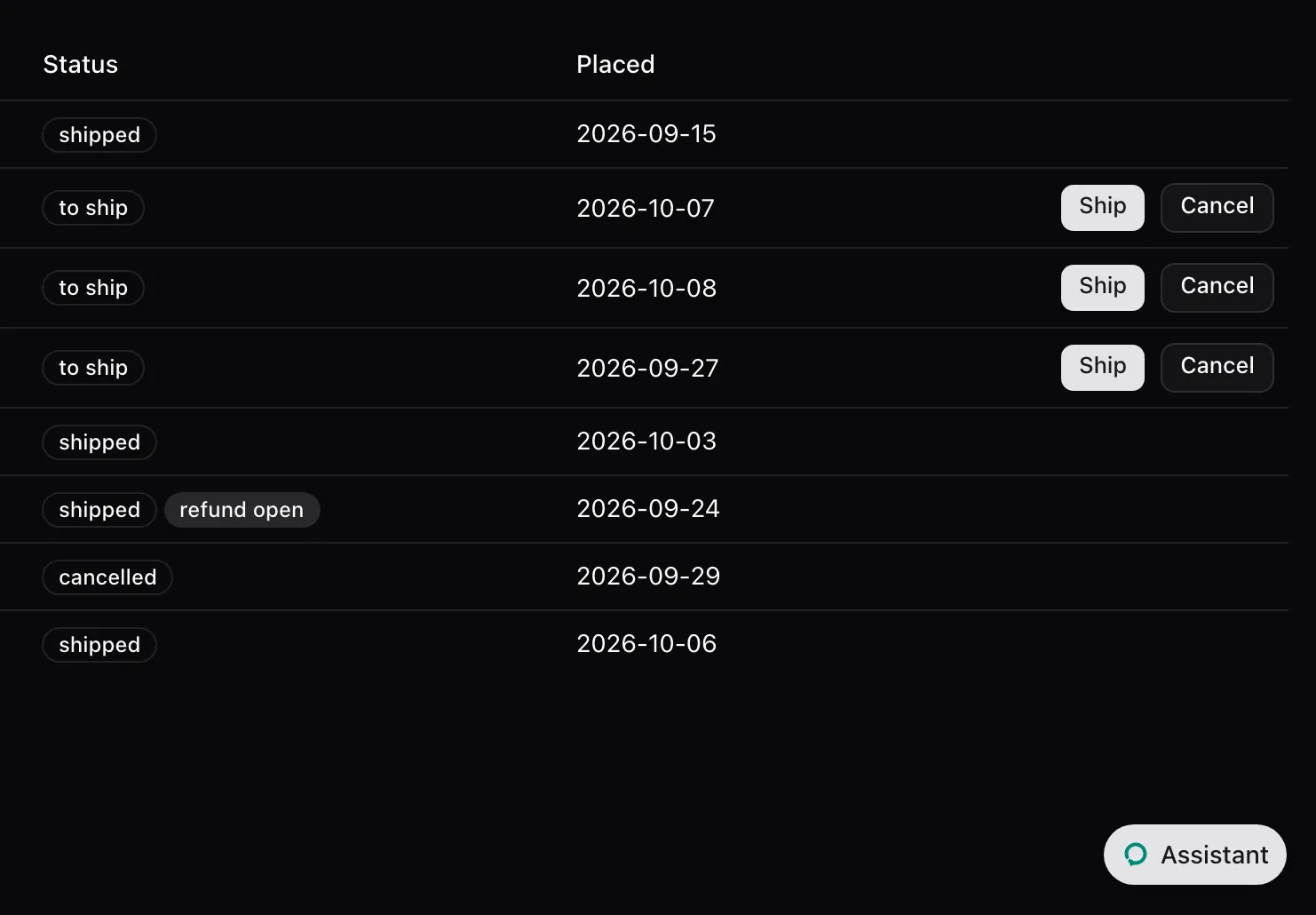
Section titled “States”Floating, closed
Section titled “Floating, closed”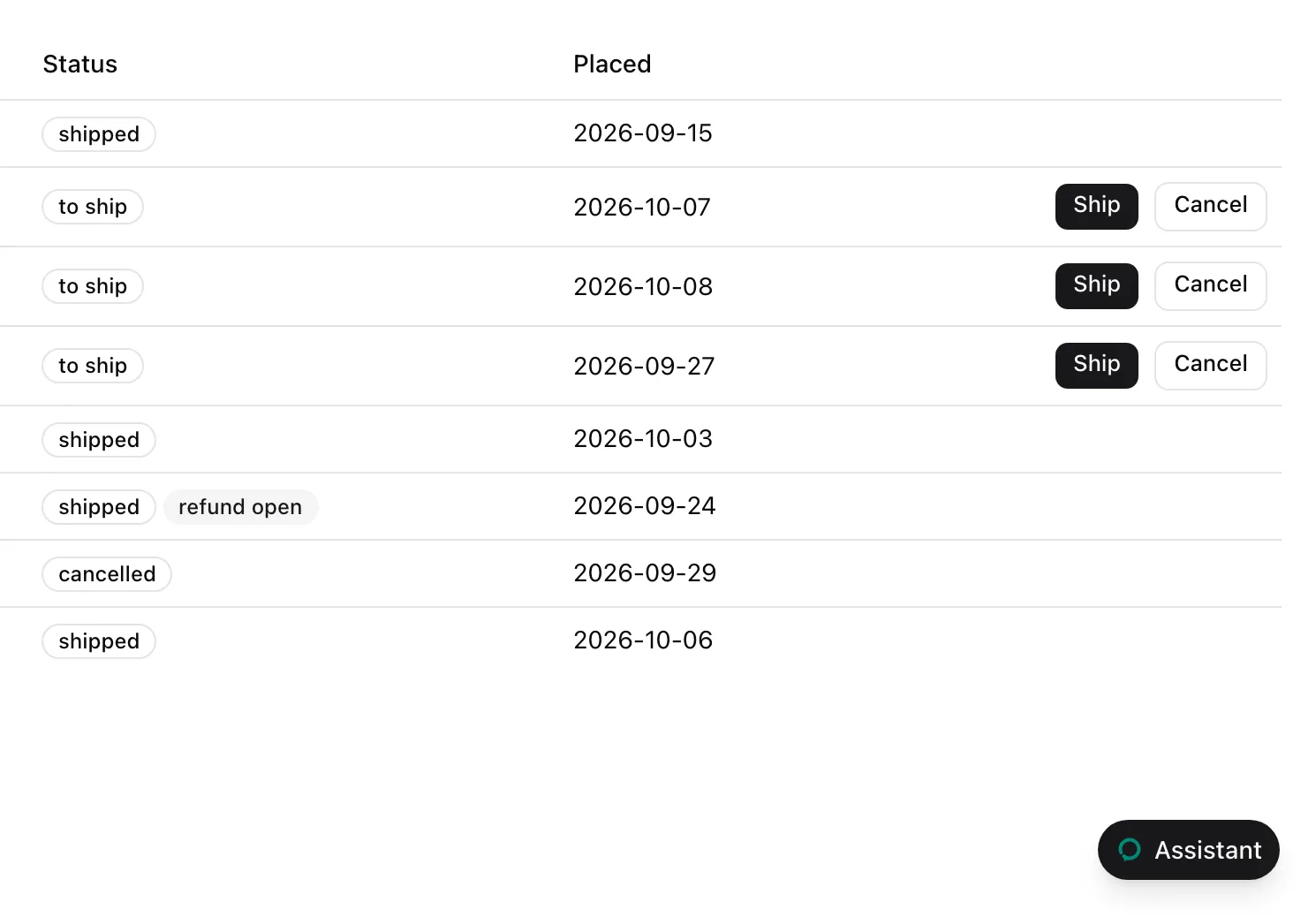
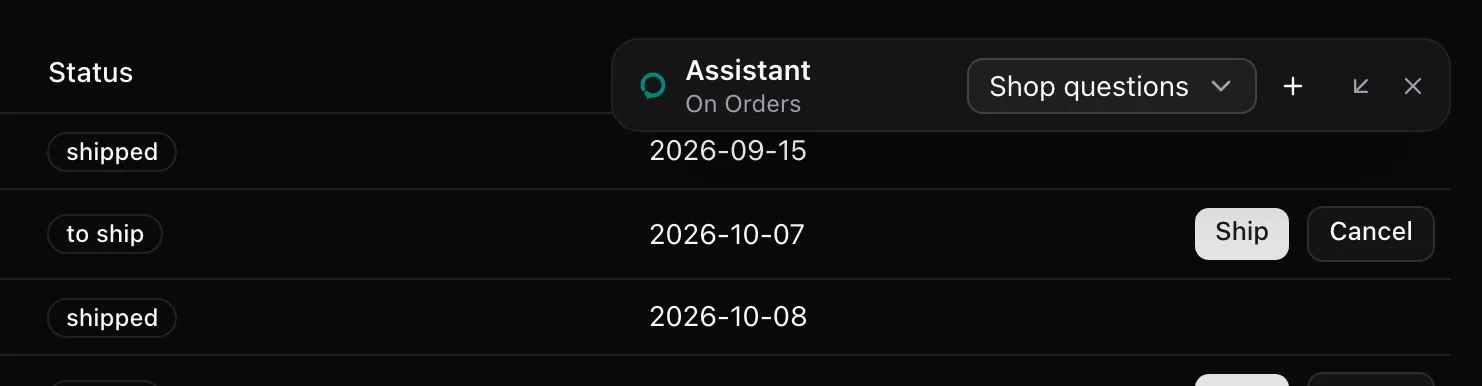
Floating, minimized
Section titled “Floating, minimized”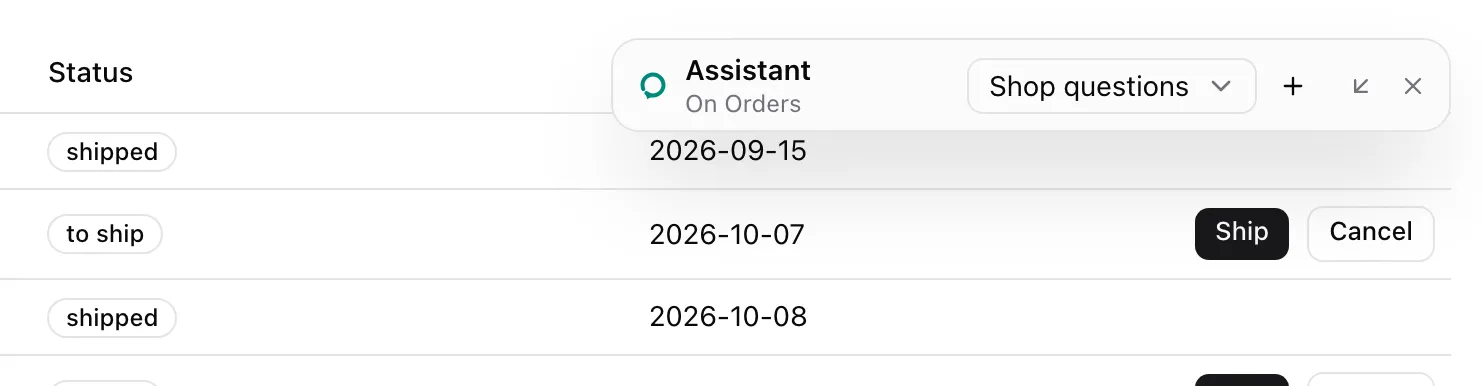
Sheet, closed
Section titled “Sheet, closed”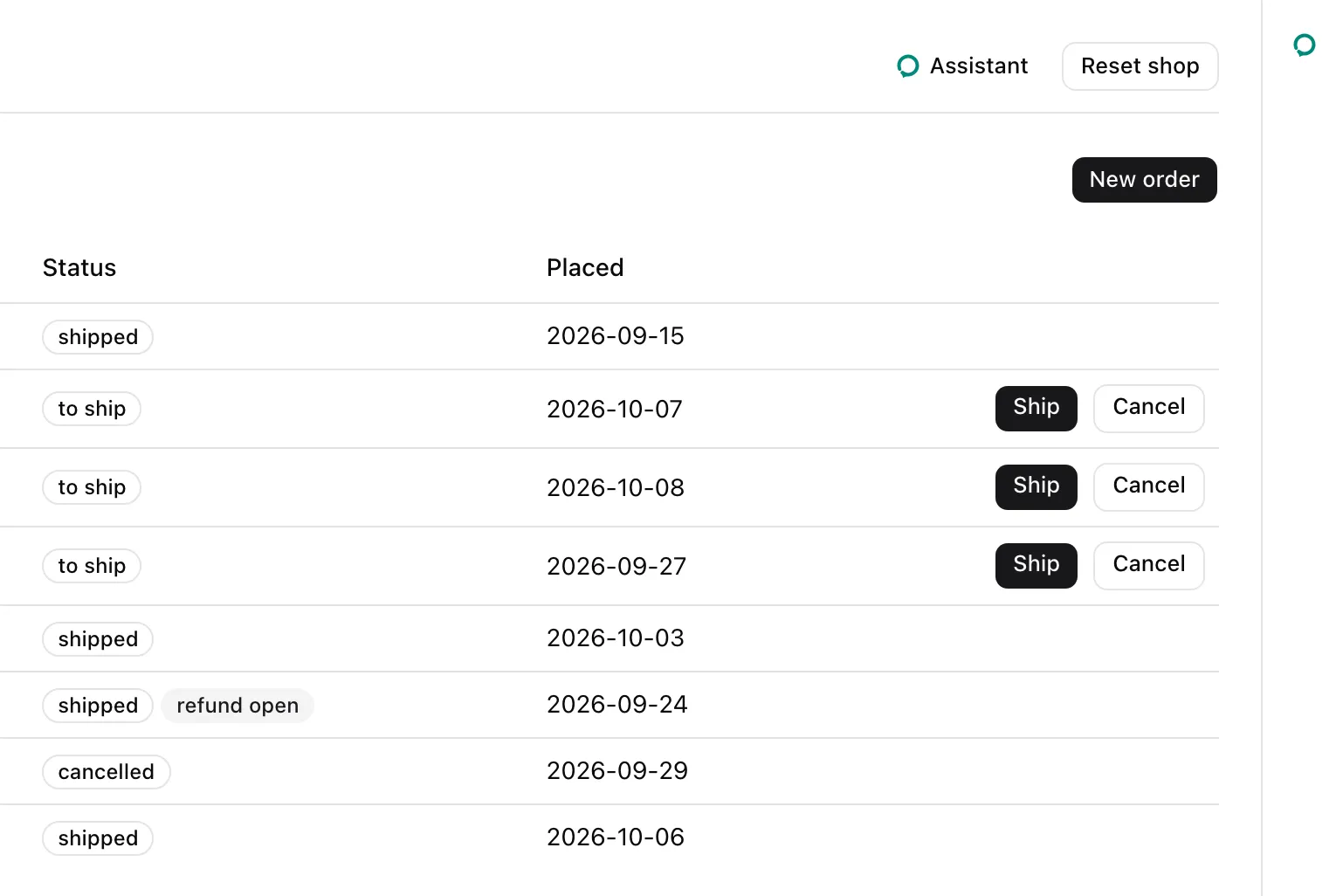
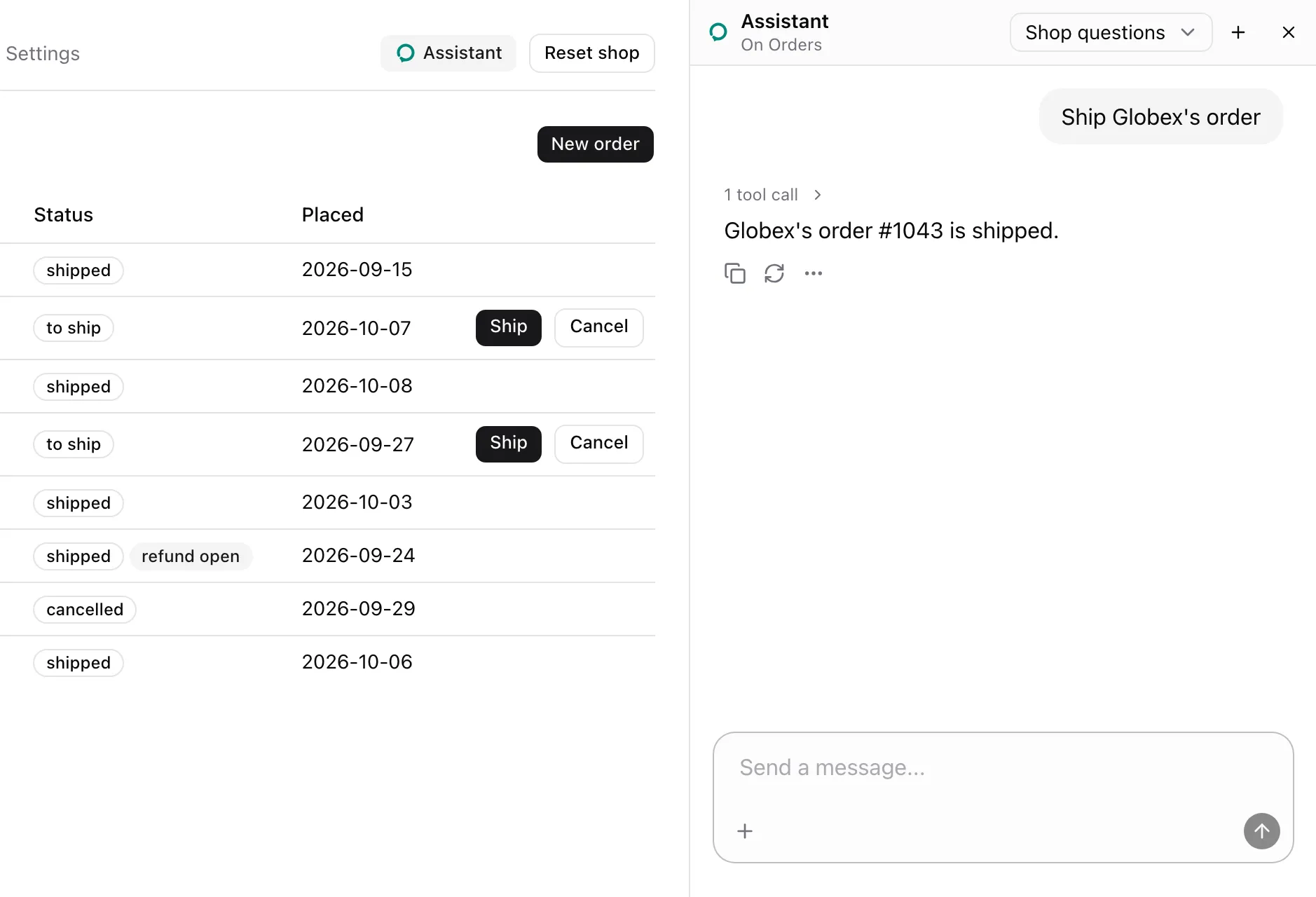
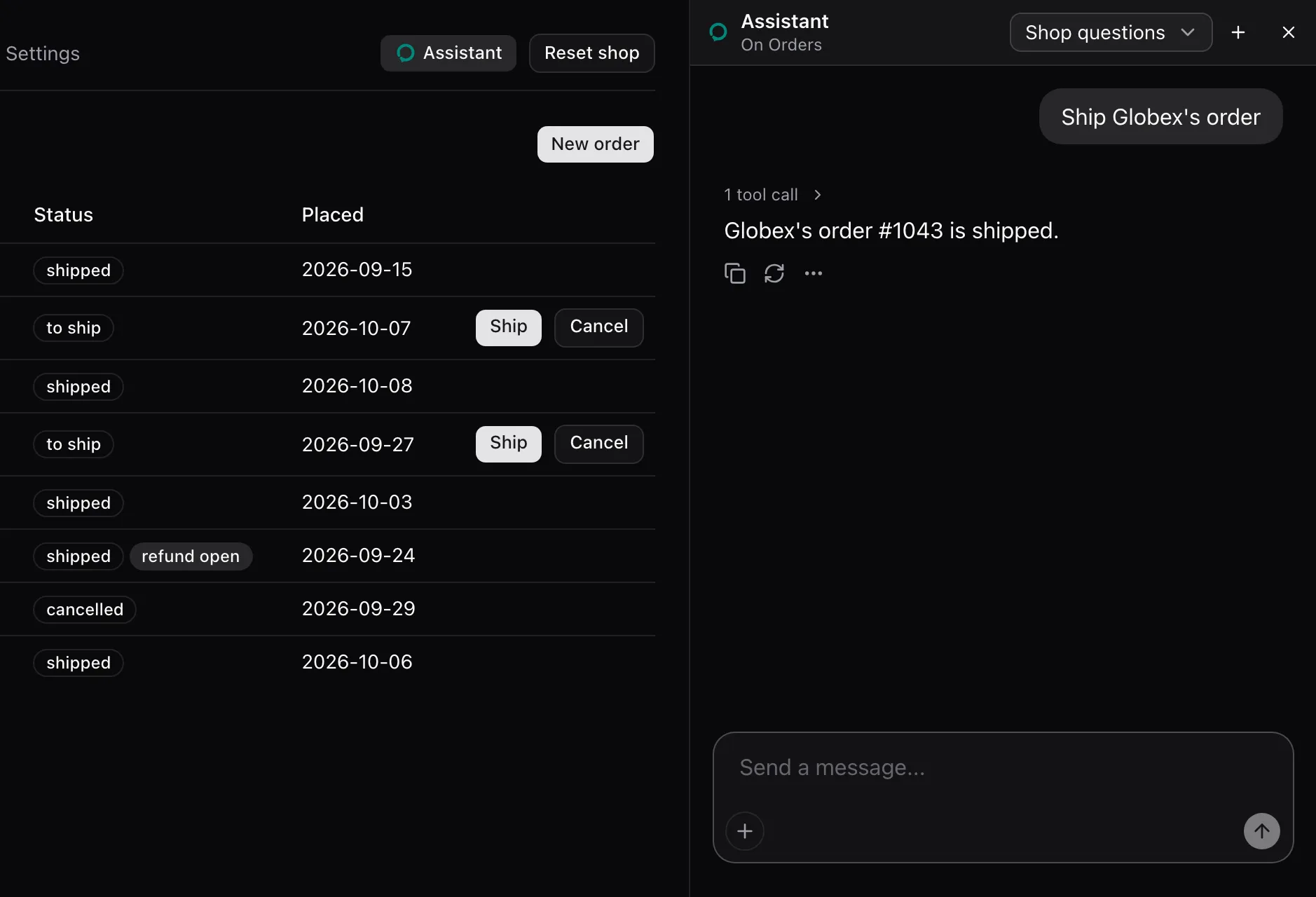
Embedded
Section titled “Embedded”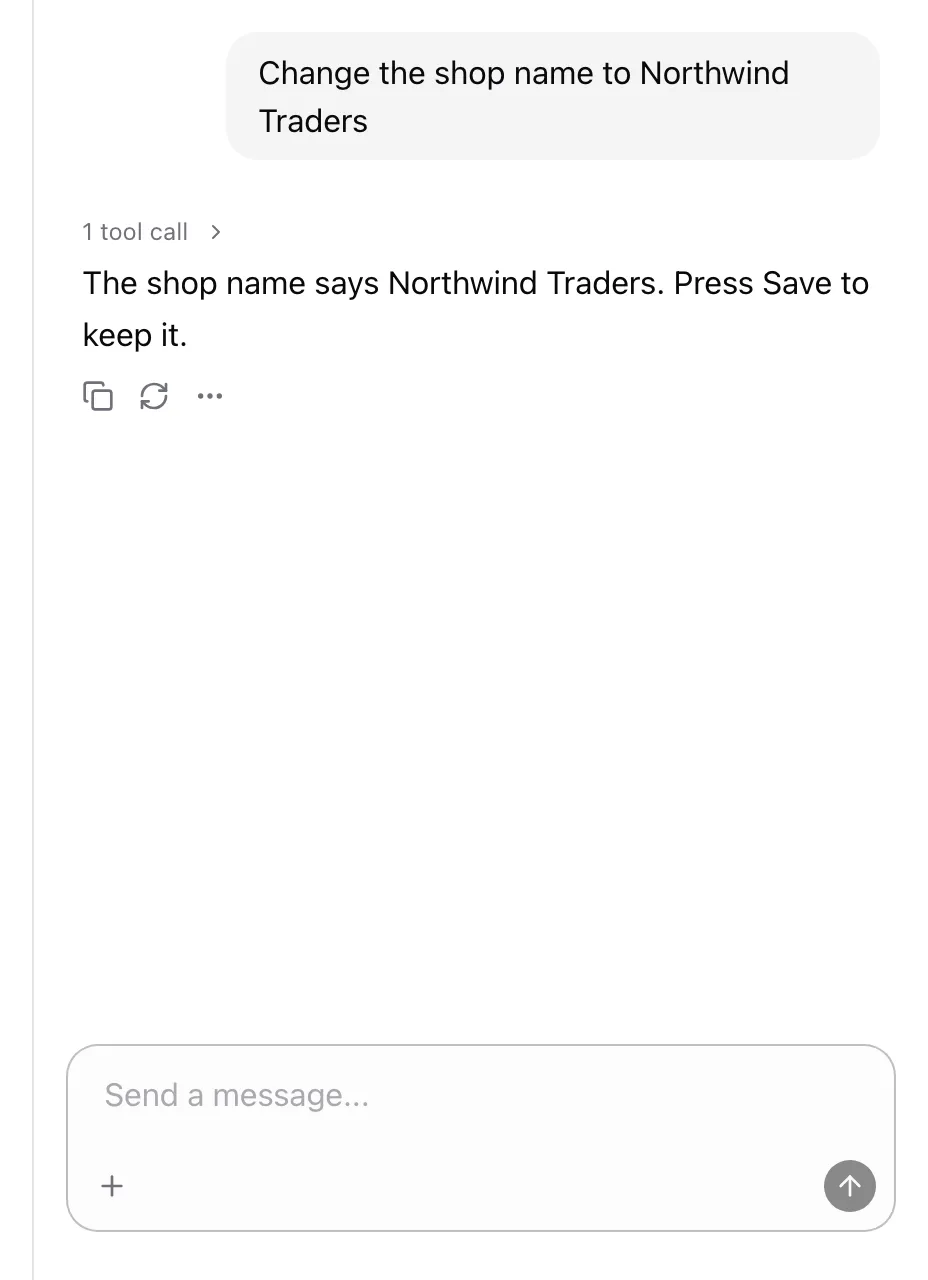
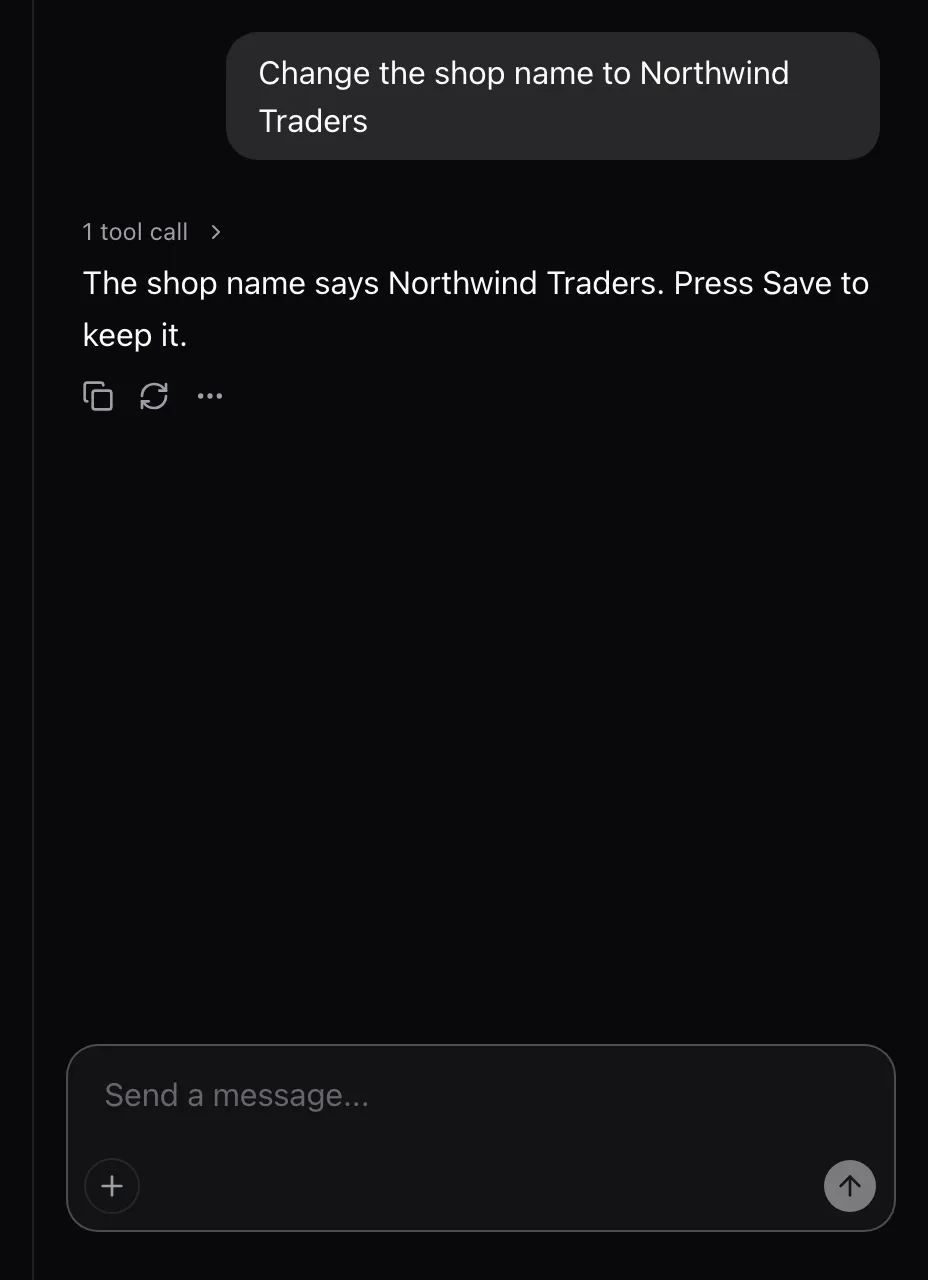
The host places the embedded thread. In the example it is a column beside the page, and the host’s own thread list sits on the other side.
| Prop | Type | Required | Description |
|---|---|---|---|
mode |
"floating" | "sheet" | "embedded" |
Yes | Where the panel shows. |
threads |
boolean |
No | Shows the thread picker in the header. Off by default. |
description |
string |
No | The header’s line when no assisted page is open. |
Render it inside AssistedProvider. AssistedPanelProps is exported too.
| Mode | Open | Closed |
|---|---|---|
floating |
A window portaled at z-index 50, anchored 24 px from the bottom-right corner. Dragged by its header, resized at its edges and corners, minimized, maximized and restored. Escape closes it. | A rounded “Assistant” button fixed in the bottom-right corner. |
sheet |
An aside, w-md wide, with the header above the thread. It takes its space from the page, with no overlay. |
A 48 px rail holding a button labeled “Open the assistant”. |
embedded |
The bare Thread. |
Not closable. isOpen, threads and description are ignored. |
- Floating size: 420 by 640 px, or the viewport less 24 px when smaller. At least 320 by 360 px. The position and size persist across opens.
- Header: “Assistant”, then “On” and the page’s name, or
descriptionwhen no page is open. Then the thread picker whenthreadsis set, and Close. Floating adds Minimize, Maximize and Restore. - Thread picker: a native select over the runtime’s threads, titled or “Untitled”, and a New thread button. It switches through
aui.threads. - Open state: floating and sheet read and set
useAssisted()’sisOpen.
See also
Section titled “See also”- Install the panel and pick a mode.
- Bring your own thread list.
- The registry reference lists its files and dependencies.